
The Linux Process Manager
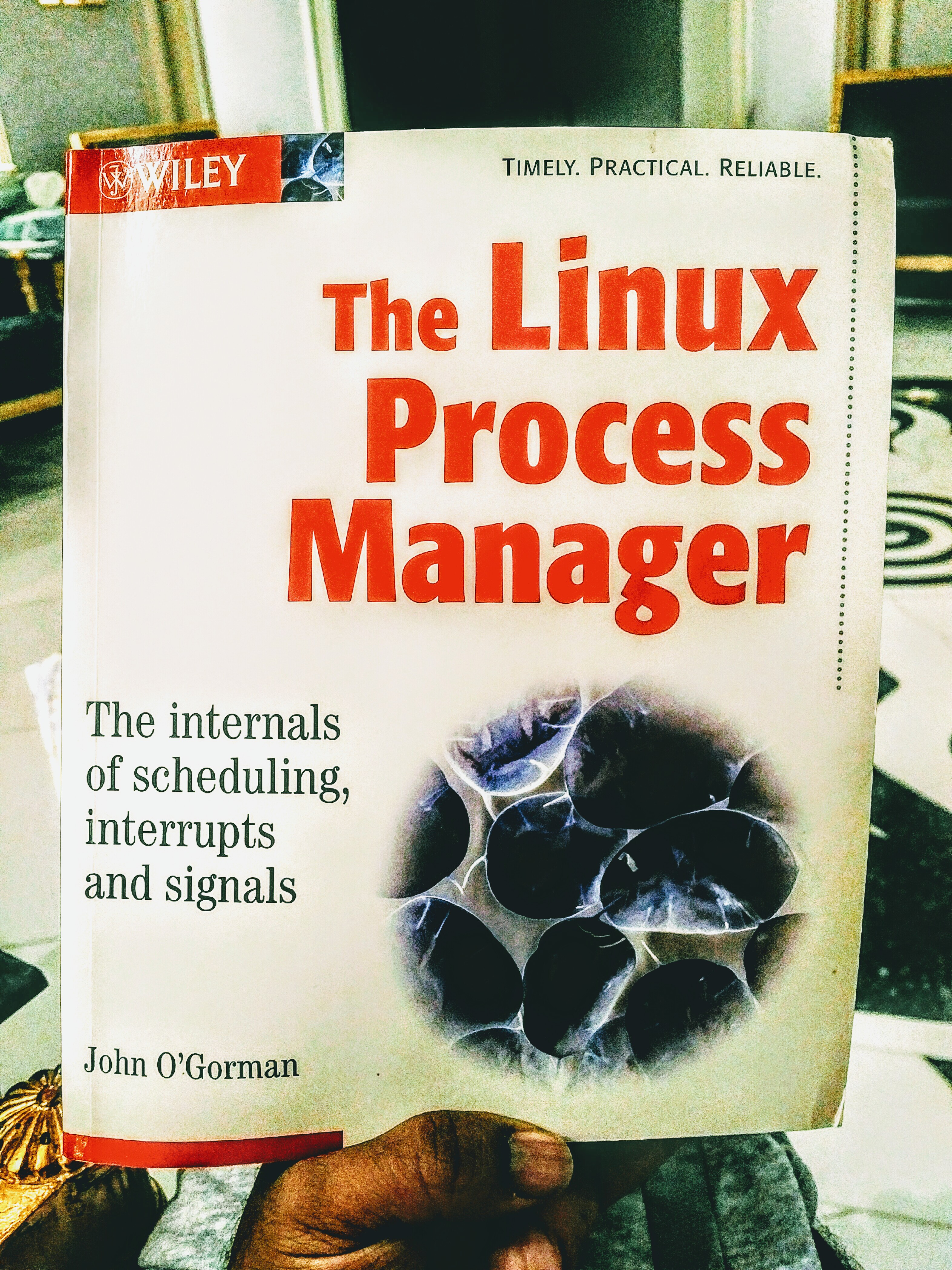
Linux | Linux Processes and Memory | Linux Tools | systemd
The core idea in plain words
Every running program on a Linux box is a process: a numbered bundle of memory, open files and CPU time that the kernel juggles. “Process management” is two jobs:
- Looking — what is running, who started it, how much CPU and memory it eats.
- Steering — starting, stopping, pausing, prioritising and supervising processes, so the important ones stay up and the misbehaving ones get put down.
The kernel does the low-level scheduling. You do the steering, with a handful of command-line tools and — for long-running services — an init system / service supervisor. On my machine that is runit on Void Linux; most mainstream distros use systemd. Same ideas, different knobs.
An analogy: the family tree
Processes form a tree. PID 1 (the init — runit on Void, systemd elsewhere) is the ancestor of everything. It starts children, which start their own children. Every process has a parent (PPID). When a child dies, the parent is supposed to collect its exit status; until it does, the child lingers as a zombie (Z in ps). If the parent dies first, the orphan is adopted by PID 1 (or a designated “subreaper”), which tidies up.
Run pstree -p and you will see your whole family tree, from PID 1 down to the shell you are typing in, inside Emacs, inside StumpWM.
Looking: the essential tools (2026)
| Tool | What it’s for |
|---|---|
ps -eo pid,ppid,user,ni,stat,%cpu,%mem,cmd --sort=-%cpu | snapshot of everything, sorted by CPU |
pgrep -a firefox | find PIDs by name, show the command line |
top / htop / btop | live view; btop is the pretty modern one, htop the reliable classic |
pstree -p | the family tree |
lsof -p PID / ss -tp | open files / sockets owned by a process |
/proc/PID/ | the raw truth: status, cmdline, environ, fd/, smaps |
On Void: sudo xbps-install -S htop btop psmisc lsof (psmisc provides pstree, killall and fuser).
Steering: signals
You don’t “close” a process; you send it a signal. The ones you will actually use:
| Signal | Number | Meaning |
|---|---|---|
SIGTERM | 15 | please shut down cleanly (the default for kill) |
SIGINT | 2 | interrupt — what C-c sends |
SIGHUP | 1 | hang up; many daemons reload config on it |
SIGKILL | 9 | die now; cannot be caught, no clean-up |
SIGSTOP / SIGCONT | 19 / 18 | freeze / resume (C-z sends the catchable SIGTSTP) |
kill 4242            # polite SIGTERM
kill -HUP 4242       # reload
pkill -f 'python server.py'
kill -9 4242         # last resort, after TERM failed
Rule of thumb: TERM, wait a few seconds, then KILL. Going straight to -9 skips clean-up and can leave lock files and half-written data.
Priorities
nice -n 10 make -j8starts a job with lower CPU priority (niceness runs from −20, greediest, to 19, kindest).renice -n 5 -p 4242changes it later.ionice -c3 rsync ...makes disk I/O idle-only — good for backups.
Supervising services with runit (Void Linux)
runit’s idea is beautifully small. Each service is a directory containing an executable run script that starts the program in the foreground. A supervisor (runsv) watches it and restarts it if it dies. Service definitions live in /etc/sv/; a service is enabled by symlinking it into /var/service/, which runsvdir scans.
sudo ln -s /etc/sv/sshd /var/service/   # enable and start
sudo sv status sshd                     # run: sshd: (pid 812) 3600s
sudo sv restart sshd
sudo sv down sshd                       # stop (stays enabled)
sudo touch /etc/sv/sshd/down            # don't auto-start at boot
sudo rm /var/service/sshd               # disable
Logging is equally simple: put a log/run script in the service directory (usually calling svlogd), or install socklog-void for a syslog. On systemd distros the equivalents are systemctl start|stop|status|enable and journalctl -u.
A worked example: taming a runaway
Emacs suddenly feels sluggish and the fans spin up.
htop, pressF6and sort byPERCENT_CPU. Top of the list:nodeat 380%, a language server started by Emacs’eglot.pstree -p $(pgrep -o emacs)confirms it is Emacs’ child.- Try the polite route first:
M-x eglot-shutdownin Emacs. If it hangs,kill -TERM <pid>. - Still alive after five seconds?
kill -KILL <pid>. - Want to keep it but stop it hogging the box?
renice -n 15 -p <pid>. - If it was a system service instead,
sudo sv restart <name>and check/var/log/<name>/current.
Common misconceptions
- "
killkills." It sends a signal;kill -STOPmerely pauses. - “Zombies eat memory.” A zombie is only a process-table entry; the fix is the parent, not the zombie.
- “High load average means high CPU.” Load also counts processes waiting on disk (state
D). - "
freeshows almost no free memory, so I’m out of RAM." Linux uses spare RAM as cache; look at theavailablecolumn.
Connections
- Linux Processes and Memory — what is inside a process.
- systemd — the other big init system.
- Linux Tools and Linux Introspection — more ways to look inside.
- Emacs and Bash — where I run all of this from.